
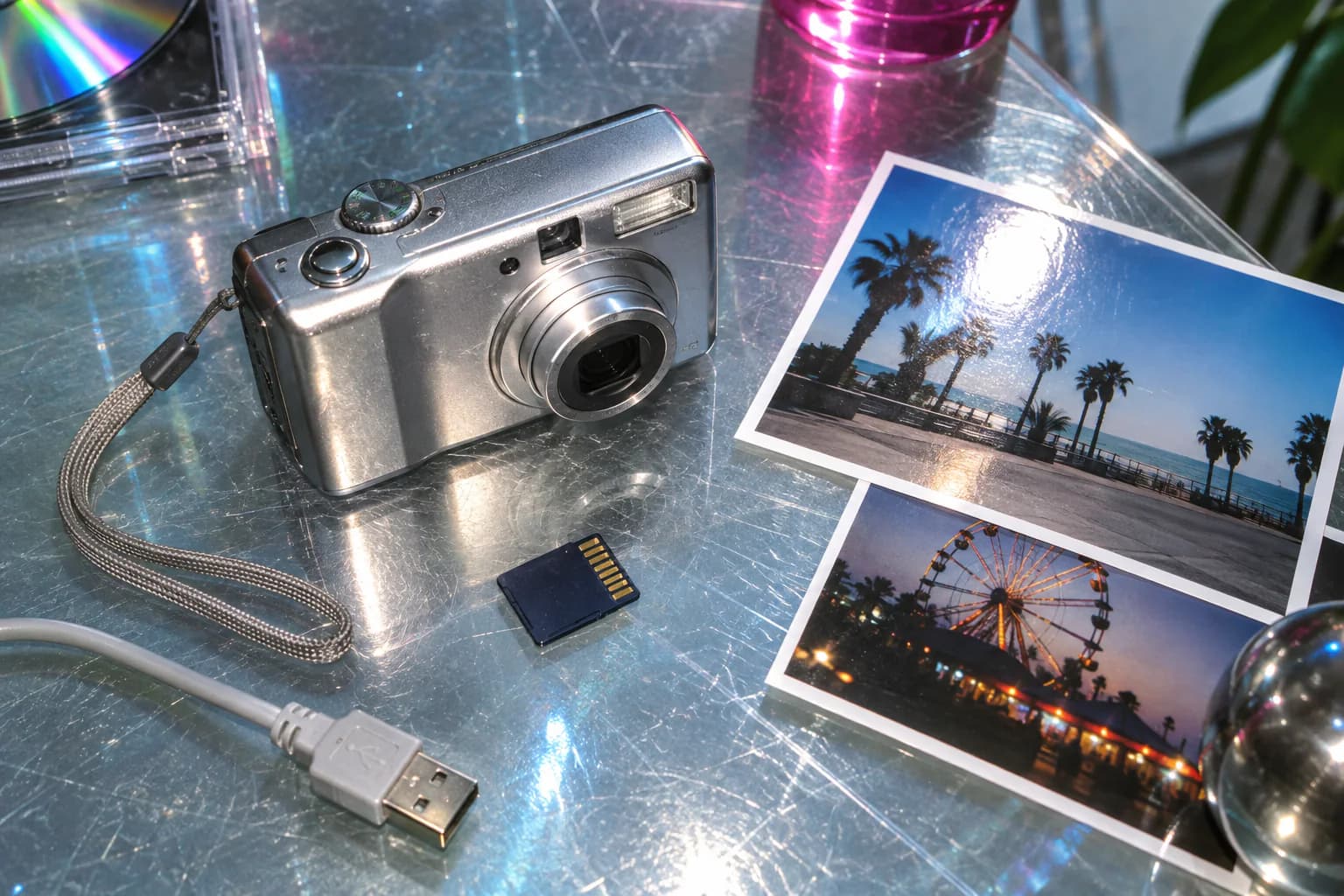

A “2000s photo filter” might mean a crisp compact-digital-camera treatment, a harsh party-flash snapshot or a complete Y2K transformation with new clothing and surroundings. Those are different jobs. The most useful tools explain whether they are changing the original photograph or generating a new one.
Throwback offers both approaches in the browser. Digital Crush changes the camera character of an existing image locally. AI Time Portrait creates a new 2000s scene from one photo you choose after consent. The filter is for keeping the moment; the generator is for changing the decade around you.
What Makes an Early-2000s Digital Photo Look Right?
The early digital look is not simply low resolution. Compact cameras produced a recognizable combination of choices and limitations:
- small-sensor highlights that can clip abruptly
- direct flash with a bright foreground and fast falloff
- crisp or crunchy edge sharpening
- smoothed color detail alongside harder luminance detail
- compressed color and block structure when an image is pushed far enough
- casual framing, party light and ordinary domestic backgrounds
The era also included many different cameras. A 2003 family compact, a webcam and a later point-and-shoot should not all produce the same result.
CCD, Digicam and Y2K Are Related—but Not Identical
Digicam is the broadest useful term: a small digital still camera, often with direct flash and a compact sensor. CCD describes one sensor technology associated with many cameras of the period, but it does not guarantee one universal color style. Y2K is a wider cultural and design aesthetic; it can describe fashion and graphic styling as well as the camera image.
That means a convincing “CCD filter” should begin with photographic behavior, while a Y2K AI transformation may also change the outfit, hair, setting and objects.
Choose the Right 2000s Effect
| If you want to… | Use… | What changes |
|---|---|---|
| Keep the original scene | A digicam treatment | Flash, highlights, noise, sharpening and compression character |
| Reimagine yourself in the decade | An AI transformation | Clothing, background, objects, pose, light and image character |
| Make a party snapshot feel period-specific | A local camera process | The original composition stays intact |
| Build a complete Y2K scene | A guided AI generator | A new image is created from the source photo |
Make a Digicam/CCD Look in Throwback
- Open the Digital Crush process page to see a real before-and-after, then continue into the browser studio.
- Choose the photograph you want to keep.
- Adjust the effect while watching highlights, faces and small edge detail.
- Compare the original and processed versions before exporting.
Digital Crush is Throwback’s authored interpretation of a 2004 compact digital camera. It models a bounded sensor plane, scene-adaptive flash, color-detail smoothing, read and shot noise, hard highlight headroom, sharpening and JPEG-style chroma compression. The treatment runs locally in the browser and does not upload the working photo.
Make an AI 2000s Time Portrait
- Open AI Time Portrait for the 2000s.
- Select one clear photo with a visible face.
- Review the AI-processing explanation and consent if you want to continue.
- Generate the portrait and check the new scene for identity and visual consistency.
The result is a new image, not a filter over the original. Use it when you want the whole moment—rather than only the camera rendering—to move into the decade.
Source Photos That Work Well
Digital Crush can be especially effective on direct portraits, party photographs and scenes with small bright lights. Because the process reacts to the source, it will not paste the same flash or sensor artifact over every photograph.
For AI Time Portrait, choose one recent, well-lit image with an unobstructed face. Avoid very small group faces, sunglasses and extreme angles when identity is important.
Avoid a Generic “Y2K” Overlay
A chrome frame, date stamp or blue cast can decorate an image, but those additions do not reproduce a camera process by themselves. Ask:
- Does flash interact with the actual scene?
- Are highlights and edges behaving consistently?
- Does compression affect color and fine detail plausibly?
- Is a supposed CCD artifact applied selectively rather than across the whole image?
- If the wider scene changes, is the page clear that generative AI was used?
The distinction helps viewers understand what they are seeing and helps you choose the right tool.
2000s vs 90s Camera Looks
A 1990s disposable-camera image usually has warmer color-negative grain, rougher edge detail and a drugstore-print character. An early-2000s compact digital image is more likely to feel sharpened, clipped and compressed. Compare Throwback’s 2000s photography guide with the 1990s photography guide, or compare the After Hours process with Digital Crush.
For a controlled visual test, see the exact same source image rendered both ways in Disposable Camera vs Digicam: Why 1998 and 2003 Photos Look So Different.
FAQ
Is every early-2000s camera a CCD camera?
No. CCD is one sensor technology, not a synonym for every digicam or every Y2K image. Camera, flash, processing and compression all contribute to the look.
Is Digital Crush an AI filter?
No. It is a local camera-process edit. It changes the selected photograph without generating a new person or scene.
Does Throwback need multiple selfies for a 2000s portrait?
No. The current web Time Portrait flow begins with one chosen photo.
Where is my photo processed?
Digital Crush runs locally in the browser. AI Time Portrait is a separate consent-based experience that sends the selected photo for private server-side generation. See the Privacy Policy for details.
Keep the original moment with Digital Crush, or build a new decade scene with 2000s AI Time Portrait.