
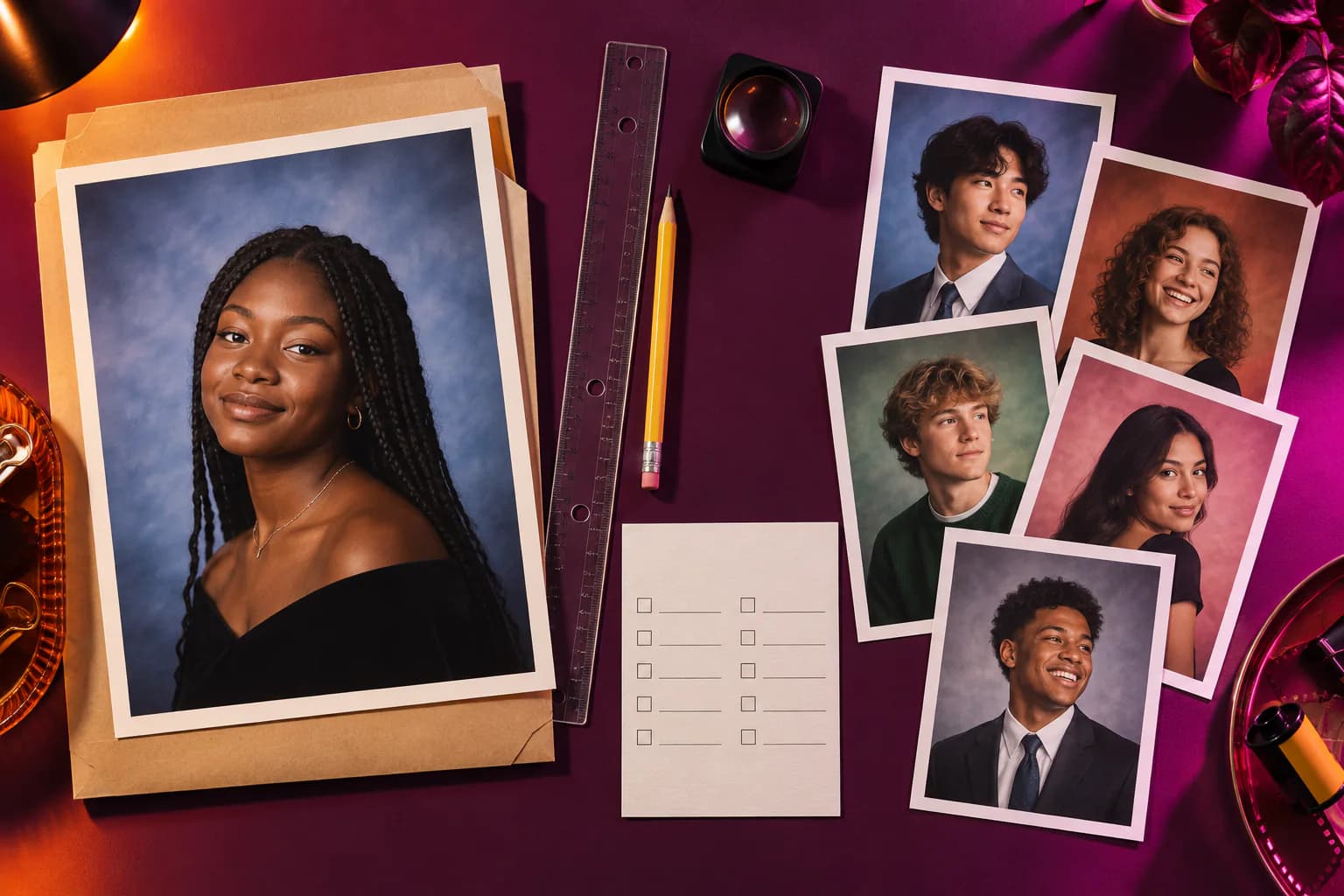

Throwback and Epik can both appear in a search for AI yearbook photos, but product details such as price, input count and availability can change. A durable comparison should begin with the result you want and the current facts each product publishes—not a permanent winner, a copied rating or an old viral trend.
Throwback’s current web product combines one-photo AI Time Portraits with separate local camera-process tools. Epik is a third-party photo-editing app with its own AI yearbook offerings. Check Epik’s official listing and in-product disclosures for its current requirements before purchasing or uploading photos.
A Useful Comparison Checklist
| Question | Why it matters | Throwback today |
|---|---|---|
| How many source photos are required? | Changes the time and privacy commitment | One selected photo for web AI Time Portrait |
| Can it create more than a 1990s yearbook? | Matters if you want several decades | Time Portrait spans the 1950s–2010s |
| Is the original scene preserved? | Separates editing from generation | Local Photo Lab preserves it; Time Portrait generates a new scene |
| Is consent explicit? | The source photo leaves the device for generation | Yes, before AI processing begins |
| Can I use non-AI tools? | Useful when you only want camera character | Photo Lab, Rolls, Retro Cards and local Year Vault are distinct from AI |
| What does it cost now? | Prices and offers can change | Check the live Throwback pricing page |
| Is the product available on my platform? | App-store and web availability differ | Use Throwback on the web or download the iPhone and iPad app |
The same questions should be checked against Epik’s current official product page or app listing. This article does not preserve a price or feature snapshot as though it were permanent.
Choose Based on the Job
If you specifically want a 1990s yearbook portrait
Compare the products’ current source-photo requirements, privacy terms and output format. Throwback can begin directly in the browser with 1990s AI Time Portrait, using one chosen photo after consent.
If you want to explore several decades
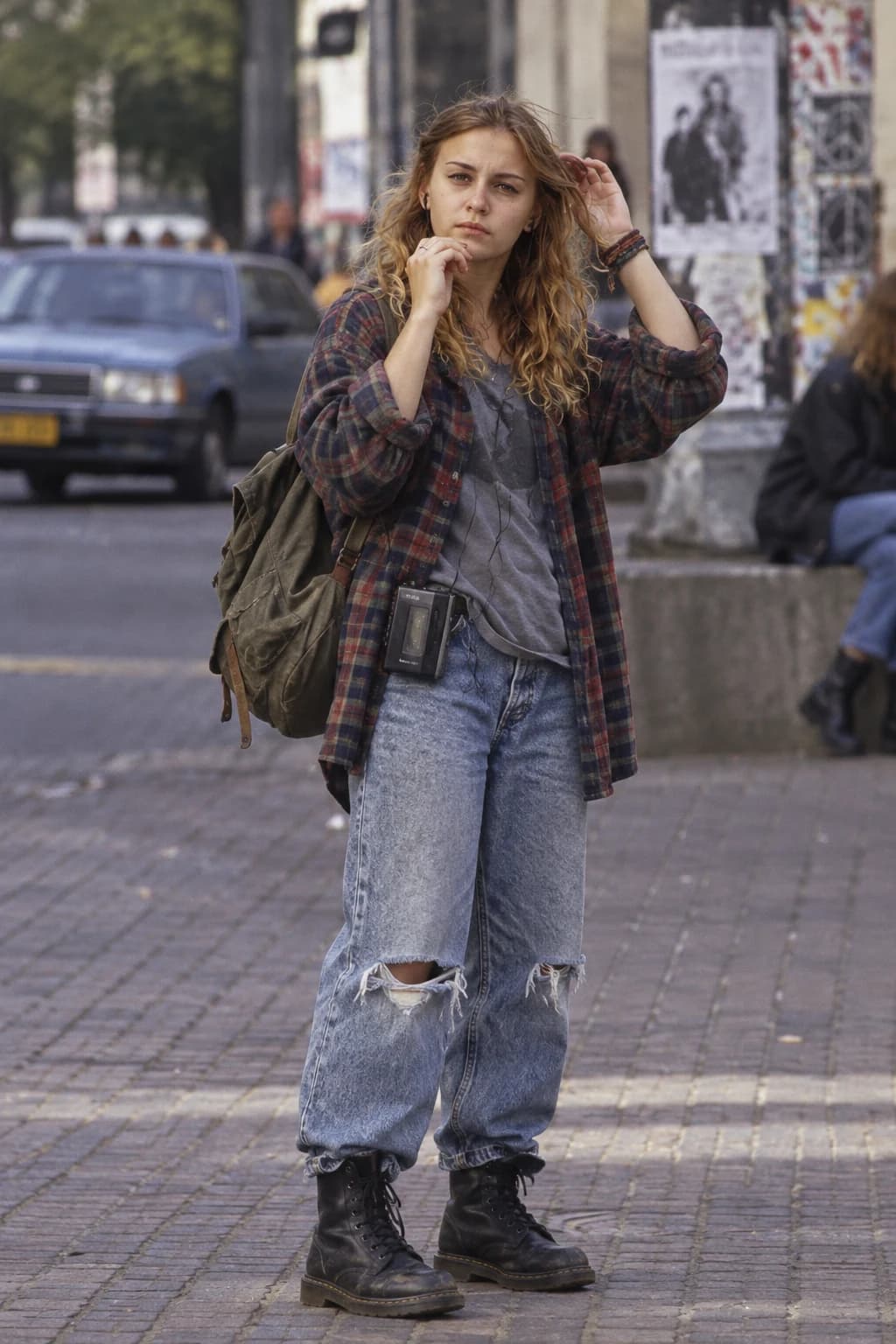
Throwback’s current Time Portrait catalog covers the 1950s through the 2010s. Each generation uses an era-authored destination rather than one universal “vintage” prompt. The 1980s, 1990s and 2000s photography guides show how those visual references differ before you generate.
If you want to keep the original moment
An AI yearbook generator may be the wrong tool. Throwback’s local camera processes change photographic character without replacing the room, clothes or objects. The original photograph remains the photograph.
If you want a broader creative system
Throwback can continue a finished photograph into a Retro Card or a Roll, while Year Vault organizes photos that you explicitly select. These are web product experiences, not claims about what another app does or does not offer.
How Throwback’s AI Yearbook Flow Works
- Open AI Time Portrait.
- Choose one clear source photo.
- Read the processing explanation and consent if you want to proceed.
- Generate a new 1990s portrait.
- Inspect the result for identity, hands, text and period consistency.
An eligible private session or existing web account receives one successful AI generation free. Failed or cancelled attempts do not consume it. Current offers and subscription terms belong on the live pricing page, where they can stay accurate.
What to Verify Before Using Either Product
- Input policy: how many photographs are required and whether they contain other people.
- Processing: whether the edit happens locally or on a server.
- Retention: what happens to inputs and generated results after processing.
- Training use: whether the provider states that uploads are used for model training.
- Cancellation and price: what the checkout shows today, not what an old comparison quotes.
- Output rights and disclosure: how generated images may be saved, shared and described.
Throwback’s current answers are in its Privacy Policy and Terms of Use. For Epik, rely on Epik’s own current policies.
Which One Is Better?
There is no honest universal answer. If you want a browser-based, one-photo trip across several decades—and the option to use local non-generative camera processes in the same product—Throwback is the more directly relevant experience to test. If a specific Epik template, platform or current offer is the reason you are searching, evaluate that official experience on its present terms.
For a wider, methodology-first view of the category, read Best AI Yearbook Photo Apps. To make rather than compare, start with Throwback’s 1990s Time Portrait.