
Your camera roll has a past life.
Explore Throwback's decade-inspired camera looks and AI Time Portraits on the web, or download the iPhone and iPad app from the App Store.
Try Decade Photo Filter App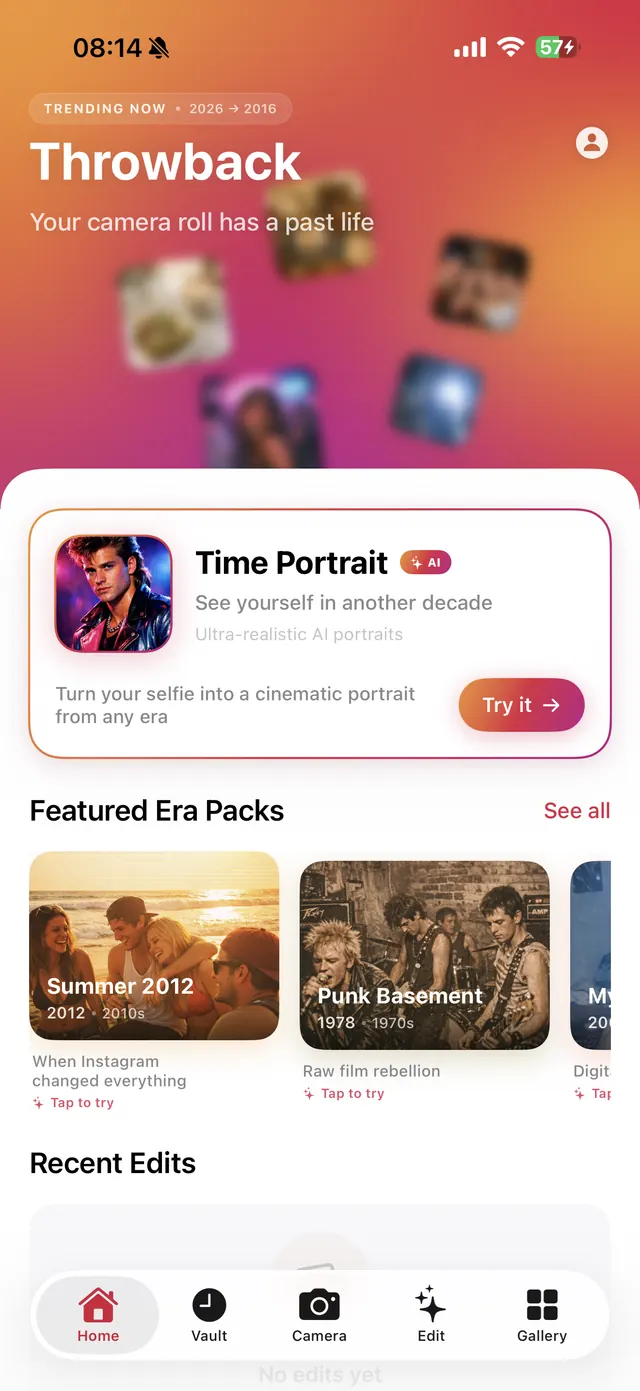
Decade Photo Filter App, in the browser.
The best Throwback feels like a memory, with the character of a particular camera and culture. Start now on the web with local camera looks, Retro Cards or an AI Time Portrait. Throwback is also available for iPhone and iPad on the App Store. Each experience is designed for its own screen, and web and iOS subscriptions remain separate.
- Play in your browser
- Upload your own photo or start with a sample.
- AI Time Portrait
- Reimagine a photo with one successful web generation free.
- Local darkroom
- Camera-inspired looks, comparison and intensity controls.
- Keepsakes
- Make a Retro Card from a photograph that matters.
Good to know.
Can I use Throwback without an iPhone?
Yes. The browser studio works on desktop and mobile web. Features that access an iPhone camera roll through native permissions belong to the iOS app.
Does Throwback require an internet connection?
Loading the website, signing in, payments and AI generation need an internet connection. Camera-look rendering runs locally after the studio loads.
Are web and iOS subscriptions shared?
No. Stripe manages web subscriptions, while Apple manages iOS subscriptions. A purchase on one platform does not unlock premium access on the other.
Give this photo another life.
One successful AI generation free. Local camera looks and cards to keep exploring. Web subscriptions are separate from the iPhone app.