
See yourself in another decade.
Your face. Another lifetime.
Start with your own photo. Choose a decade from the 1950s through the 2010s and let AI reimagine the styling, setting and photographic world.
Try an 80s Time PortraitYour first eligible successful AI portrait is free. Further generation requires web Premium.
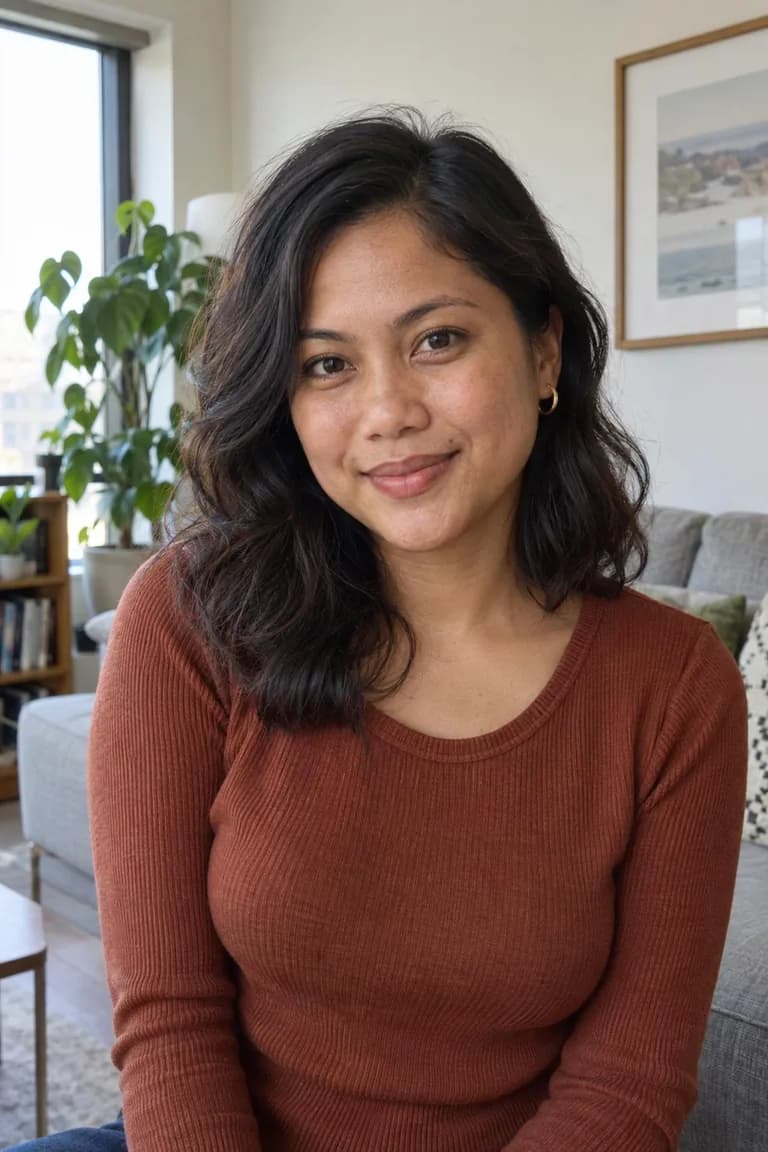
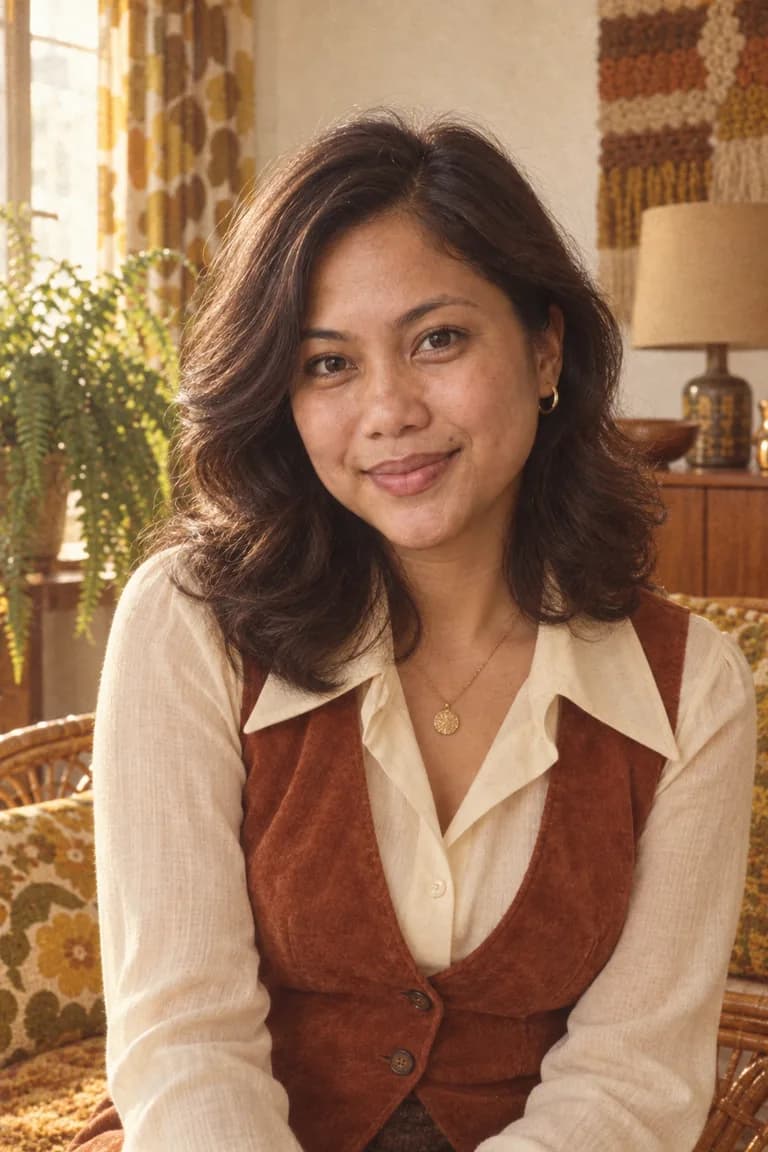
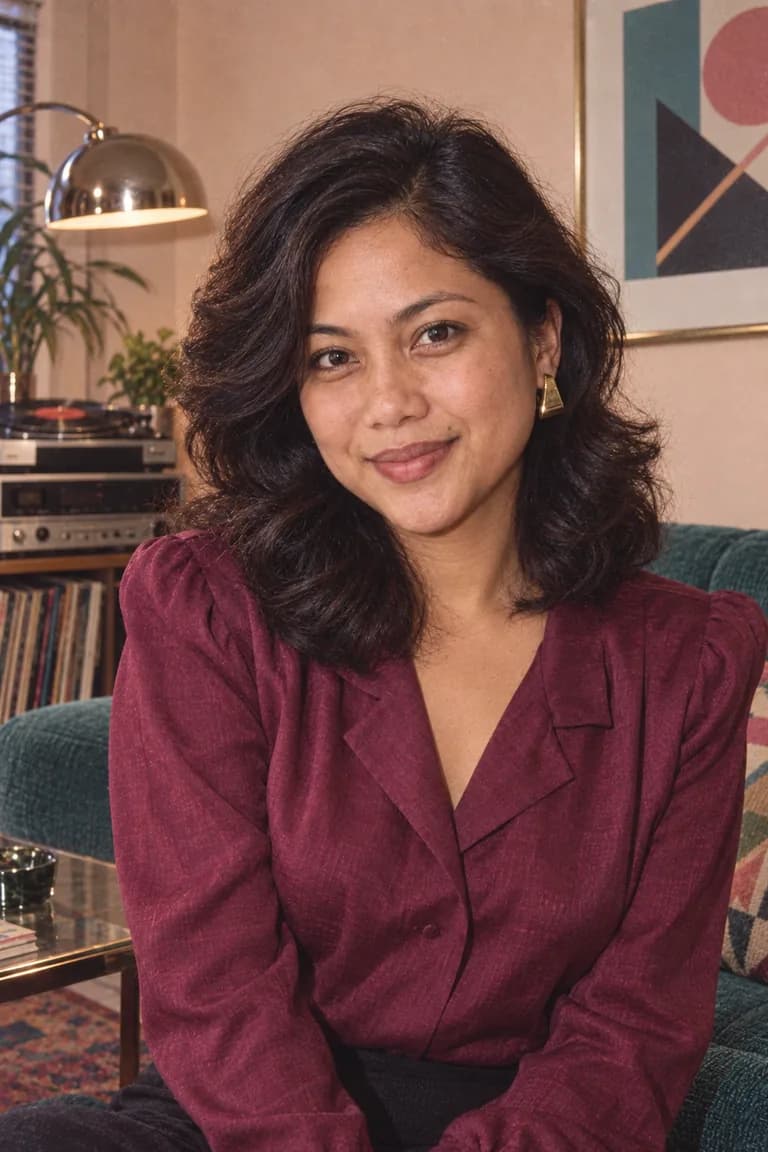
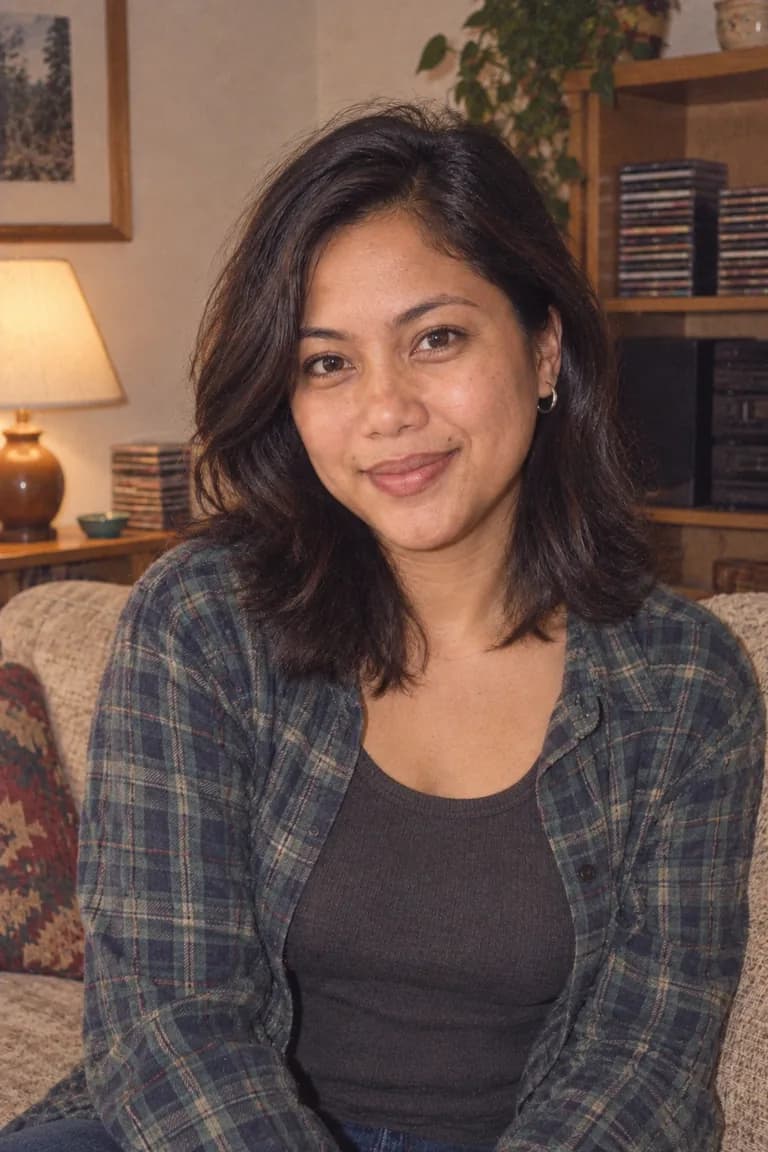
Editorial AI demonstration of one person across decades, not generated with Throwback. Your Time Portrait starts with your own photo.
AI Time Portraits, in the browser.
Choose a photo with clearly visible faces, then pick a decade from the 1950s through the 2010s. AI Time Portrait reimagines the styling, hair, setting and photographic world, with instructions to preserve recognizable people. Results vary, so compare the portrait with your original. It works from one chosen photo, not separate selfies, and is not photo restoration or an arbitrary text-to-image generator.
When you choose to generate, Time Portrait sends your photo through our server to the AI image provider. See our processing and storage details.
Want to keep the same people and scene? Retro Photo Editor applies camera looks locally in your browser.
Explore the 1970s, 1980s and 1990s before choosing your destination.
- A specific destination
- Choose a photographic culture, from warm 35mm to the pocket digicam.
- Your photo, reimagined
- A new image based on the people and scene you provide.
- Before and after
- Compare the result with the photo you started with.
- One successful portrait free
- Failed or cancelled generations do not use your allowance.
Good to know.
How does the free generation work?
An eligible private browser session or web account gets one successful AI generation free. After it succeeds, further premium generation requires a web subscription. Failed or cancelled generations do not consume that allowance.
Does an iPhone subscription work on the website?
No. Web subscriptions use Stripe and are completely separate from iPhone subscriptions purchased through the App Store.
Where does my photo go?
AI generation sends your selected photo through our server to the image provider after you choose to generate. It is different from the local camera-look editor. See the privacy policy for processing and storage details.
Give this photo another life.
Your first eligible successful AI portrait is free. Further generation requires web Premium. Web subscriptions are separate from the iPhone app.