
Make a photo strip from your favorite moments.
Some memories belong together.
A night out. A summer away. Turn three to six photos into a film strip, contact sheet or scatter of prints, with your own title and captions.
Make your roll3–6 existing photos. Made locally in your browser. Download one PNG to keep.
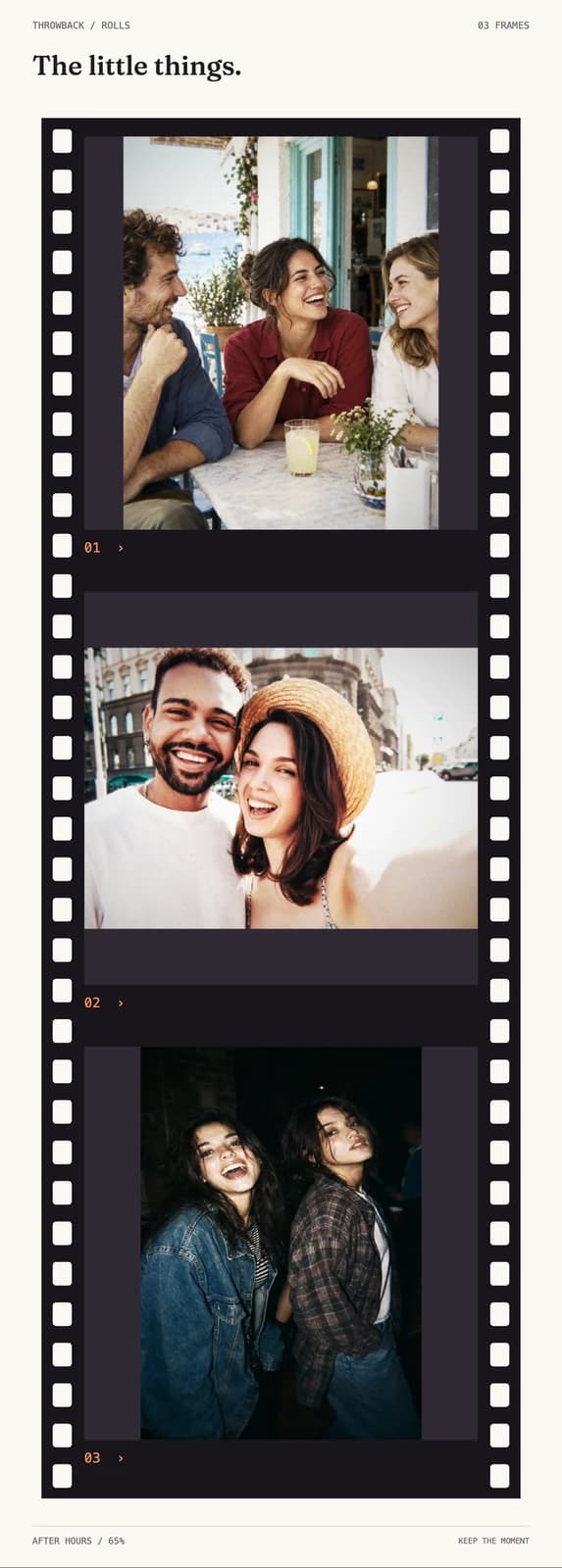
Rolls, in the browser.
Build a roll from three to six photographs. Arrange a contact sheet, a film strip or a scatter of prints, then choose the paper, add a title and give individual frames a few words. Keep the original photographs or apply one camera look across the roll. Reorder the moments until they feel right, preview the complete composition and download it as a single PNG. Everything is assembled locally in the browser.
- Three ways to tell the story
- Choose a contact sheet, a film strip or scattered prints. Each layout adapts to three through six frames.
- Your order, your words
- Reorder or shuffle photos, add a title and caption individual frames.
- A look for the whole roll
- Choose fresh print, pink or dark paper. Keep your originals or apply a camera look with adjustable intensity.
- One image to keep
- Preview the assembled roll and download a PNG, with its longest edge up to 3600 pixels.
Good to know.
How is a roll different from a Retro Card?
A Retro Card frames one photo. Rolls brings three to six photographs into one composition, with a shared title, individual captions and a layout that tells the story across several frames.
Will the roll crop my photos?
The default keeps each full photo visible. You can choose to fill the frames instead, which crops the photo edges to fit the layout.
Does making a roll use the free AI generation?
No. Rolls uses local editing and canvas composition. It does not upload your selected photos to an AI provider or consume your free AI generation.
Will my unfinished roll be saved?
Your roll stays in the current browser session. Download the finished image before closing or refreshing the page; the website does not save an editable roll to your account.
Give this photo another life.
Bring three to six photos. Make a roll locally in your browser and download one image to keep.